Is DeepWork really free?
Yes. There is no paid tier, no subscription and no account to create. The web app and the desktop installers are free to download and use.
Where is my data kept?
On your machine. The desktop app writes to a local SQLite database and the browser build keeps its data in your own browser storage. There is no DeepWork server and no sync. The desktop makes only the public GitHub release check, an installer download you press, and links you open; the hosted web app also counts visits, and that is the one exception — see “Does the web app count my visit?”.
Does it work offline?
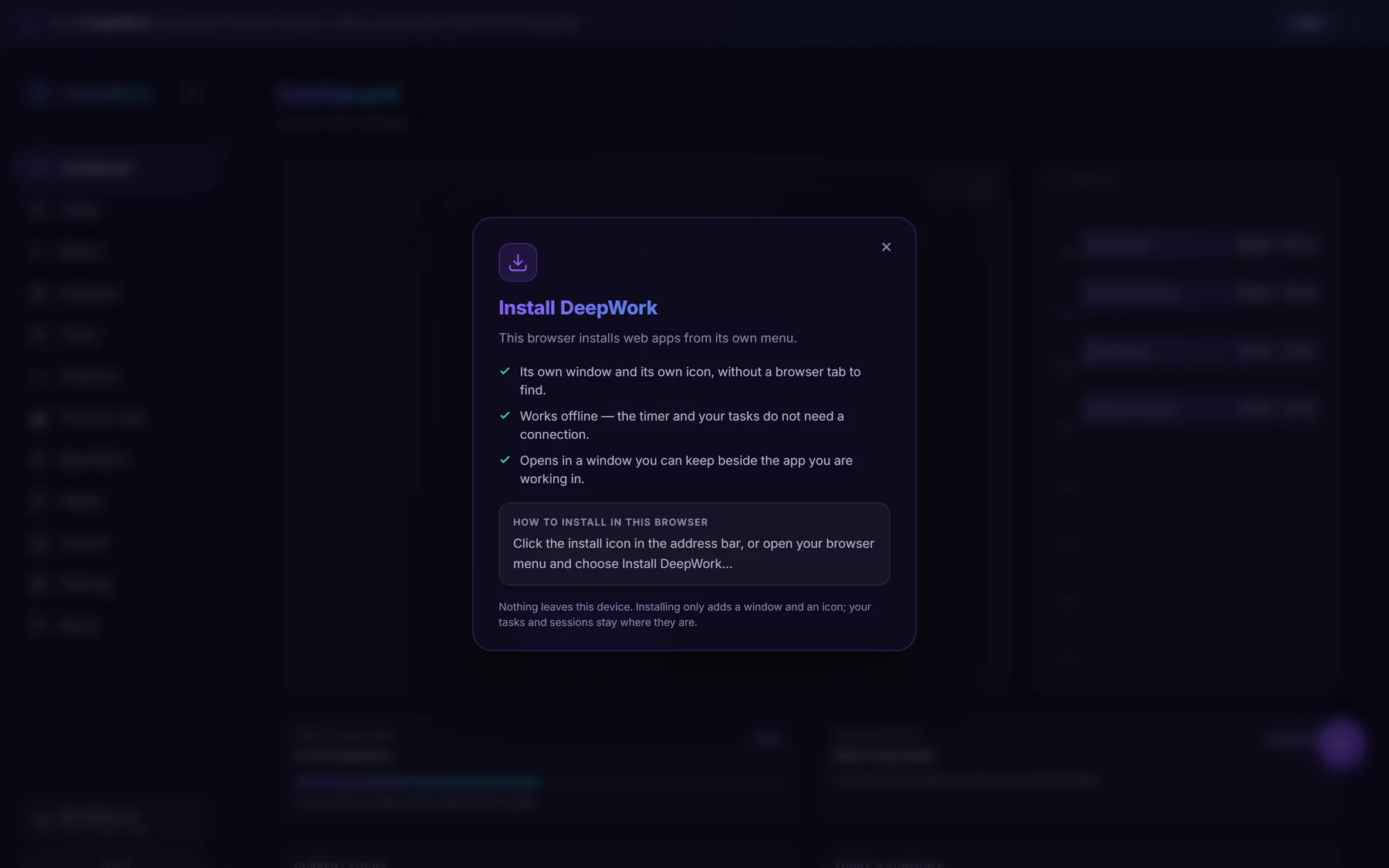
The desktop app works entirely offline: its fonts, sounds and database are all local. The browser build registers a service worker, so it keeps working after the first visit and can be installed to your home screen or desktop.
Do I need an account?
No. There is nothing to sign up for and nothing to sign in to. Open the app and start working.
Does it sync across my devices?
No, and by design. Each installation keeps its own database, so nothing leaves the machine it was written on. A full JSON backup restores everything on another machine, and tasks can also be exported to CSV and imported back.
Which platforms can I use it on?
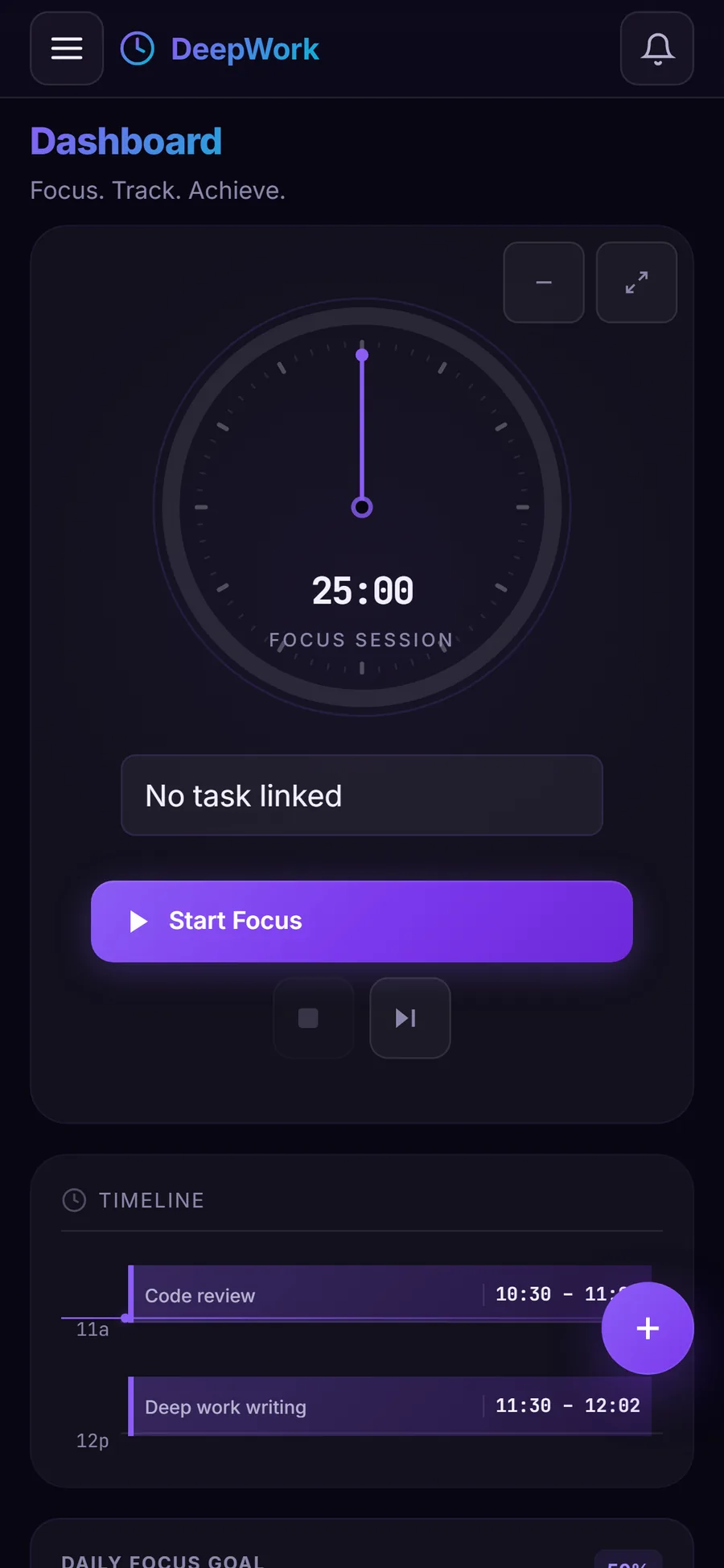
Windows, macOS and Linux as a desktop app, and any modern browser — including on a phone or tablet — as the web app. There is no native iOS or Android app.
Can I use it for a team?
Not currently. DeepWork is a single-person tool: it has no shared boards, no accounts and no collaboration features.
What is Time by Task?
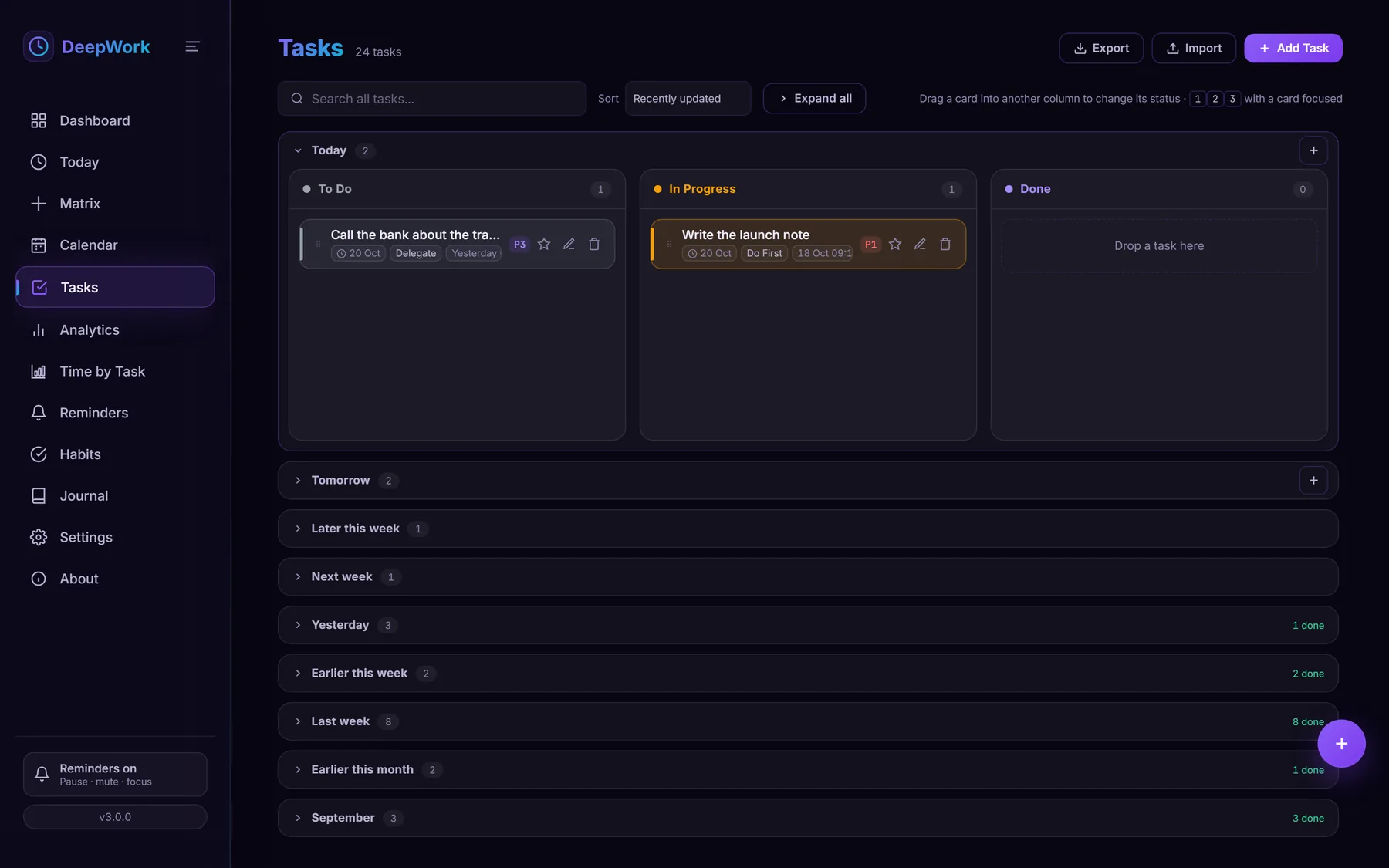
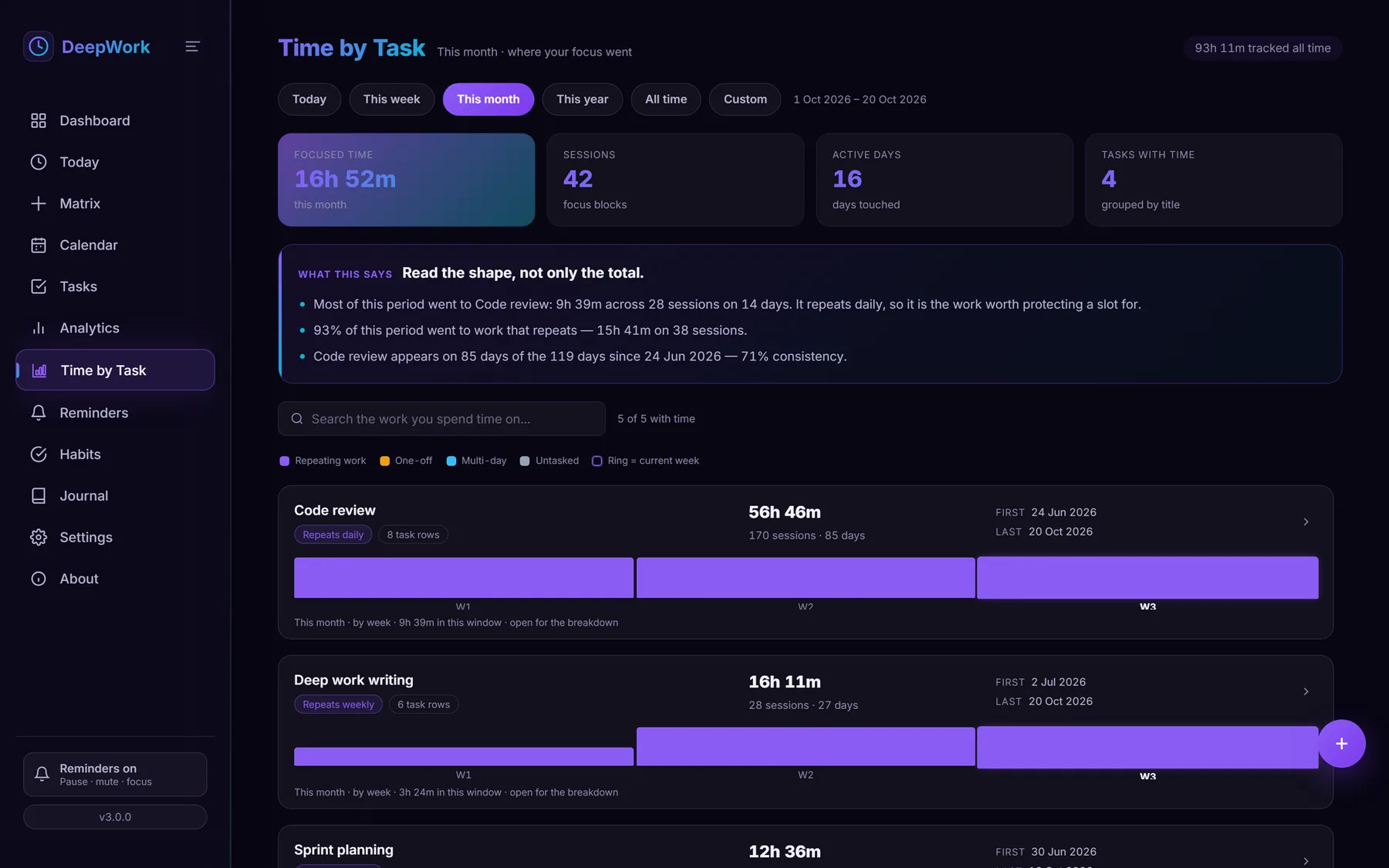
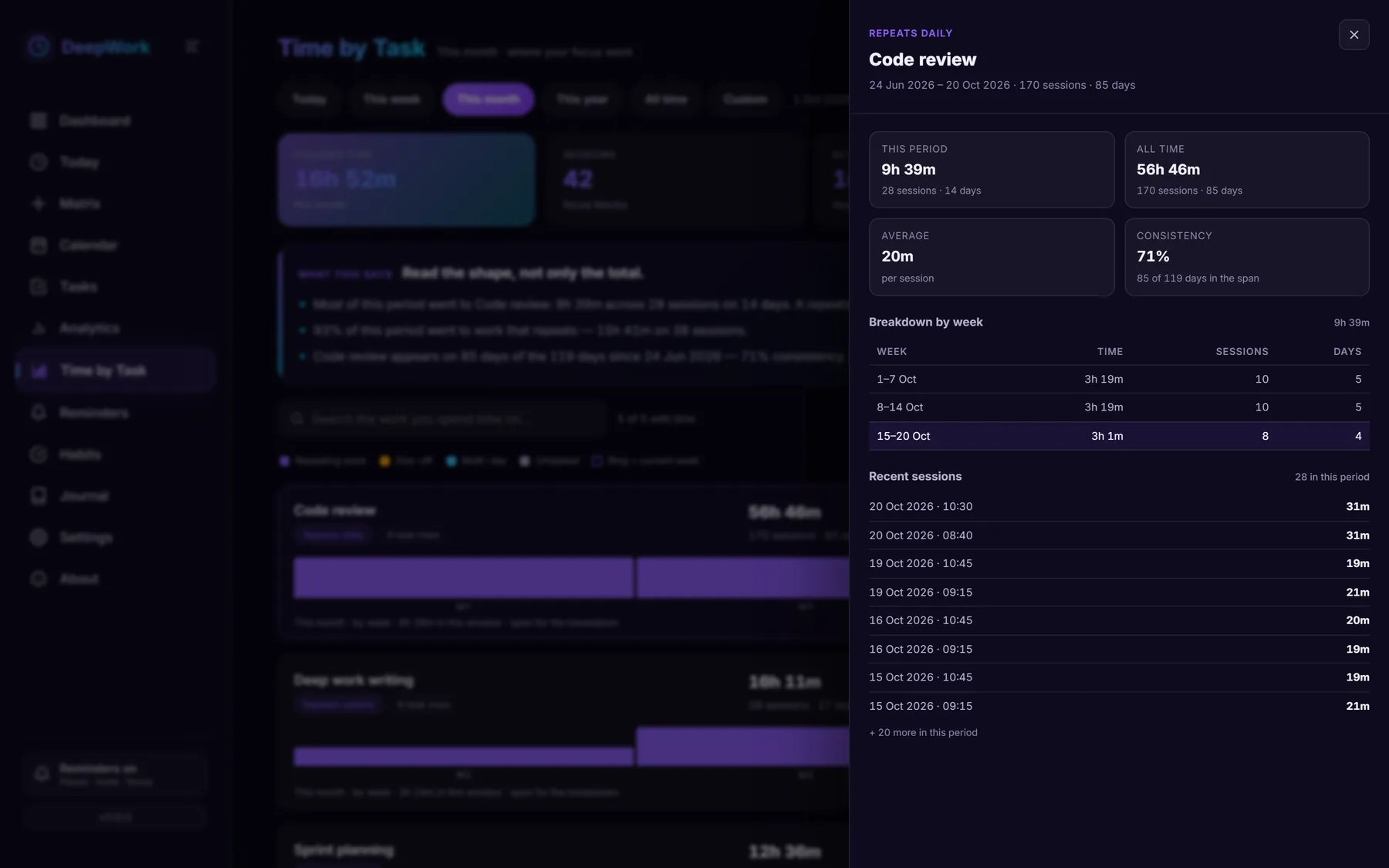
A page that groups every focus session by the work’s title rather than by the task row. A daily Code review is a new task every morning, so counting rows would scatter the history; Time by Task shows one line with one all-time total, the sessions and active days, the first and last session, and whether the work repeats daily, weekly, monthly or is a one-off. It is at /time, and Ctrl+7 opens it.
What is a standing reminder?
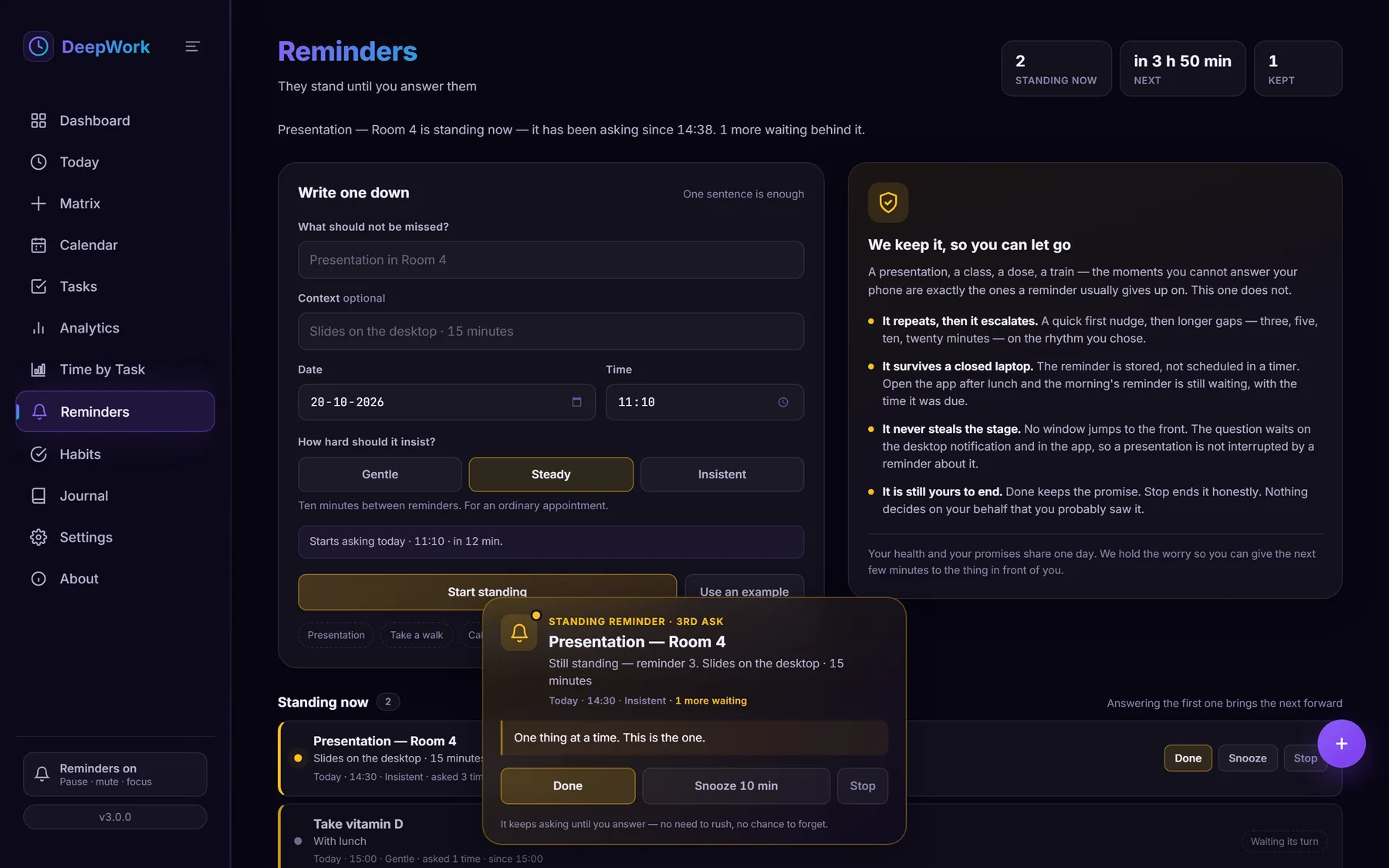
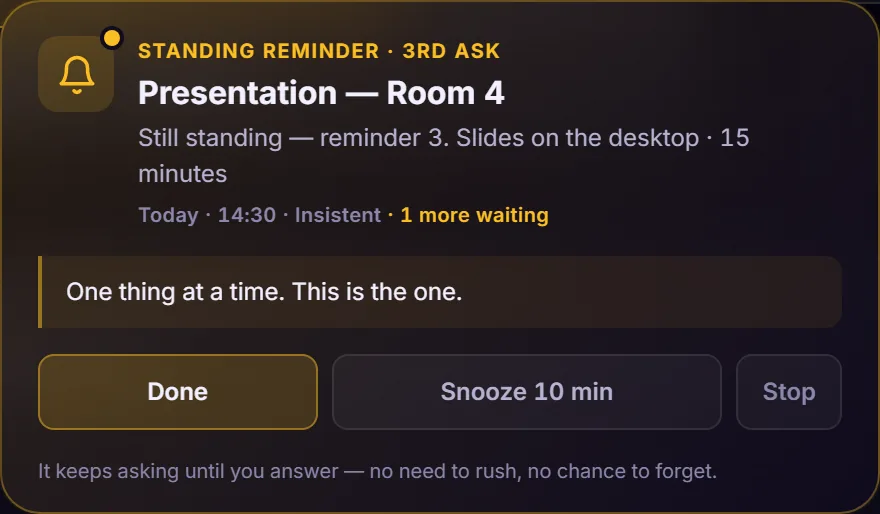
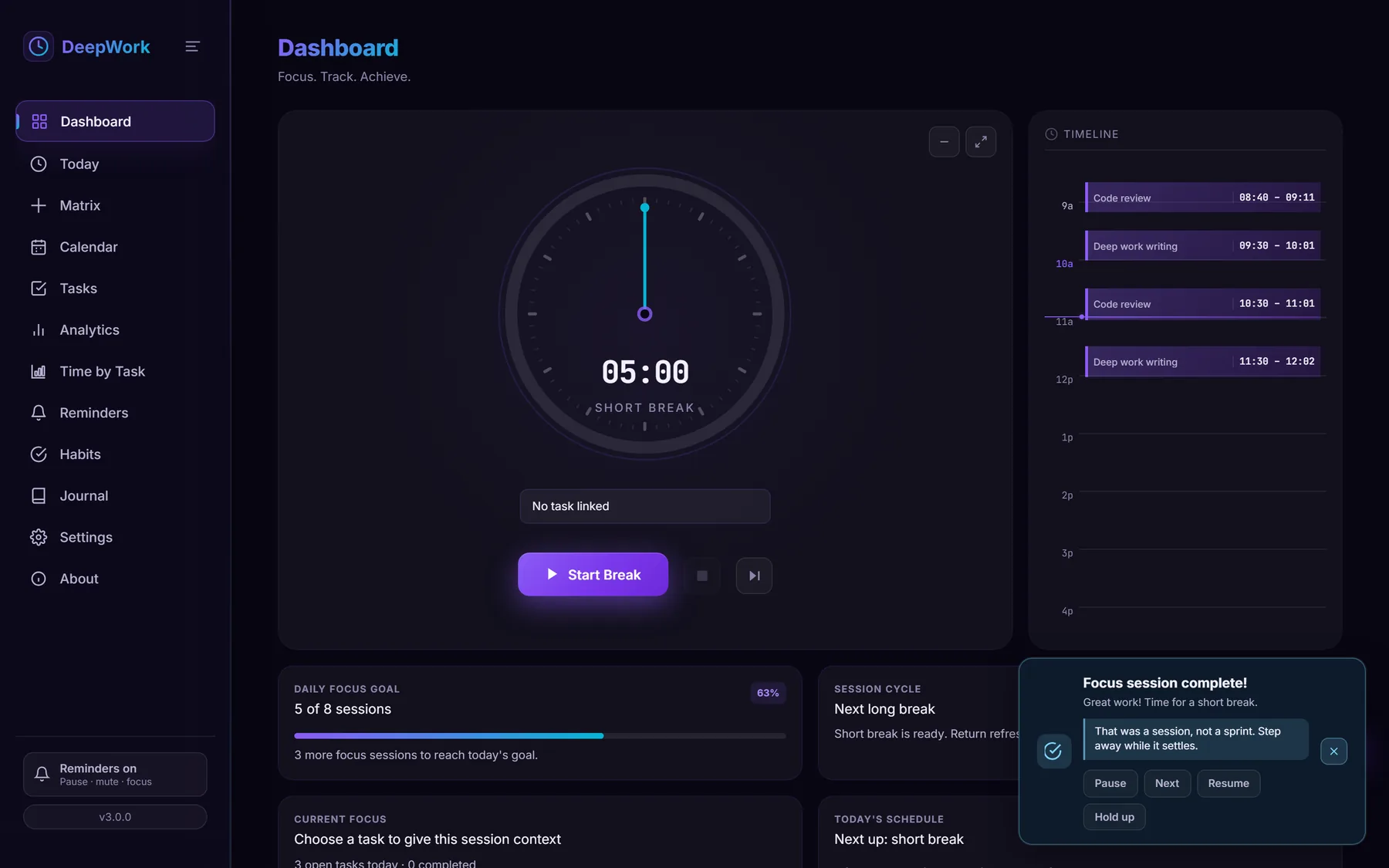
A reminder for the things a normal reminder is worst at — a presentation, a class, a dose, a train — where you may be standing in front of a room and cannot answer. It is stored rather than scheduled, so closing the laptop does not cancel it; it escalates rather than repeating on a stopwatch; and it keeps asking until you press Done, Snooze 10 min or Stop. There is no close cross and no timeout.
Will a standing reminder interrupt a presentation?
No. It posts a sticky desktop notification and an in-app card, and it never brings the window forward. The notification carries the same three answers as the card, so the question can be dealt with where it is, without the app covering the thing it is reminding you about.
What is the difference between pause, mute and focus mode?
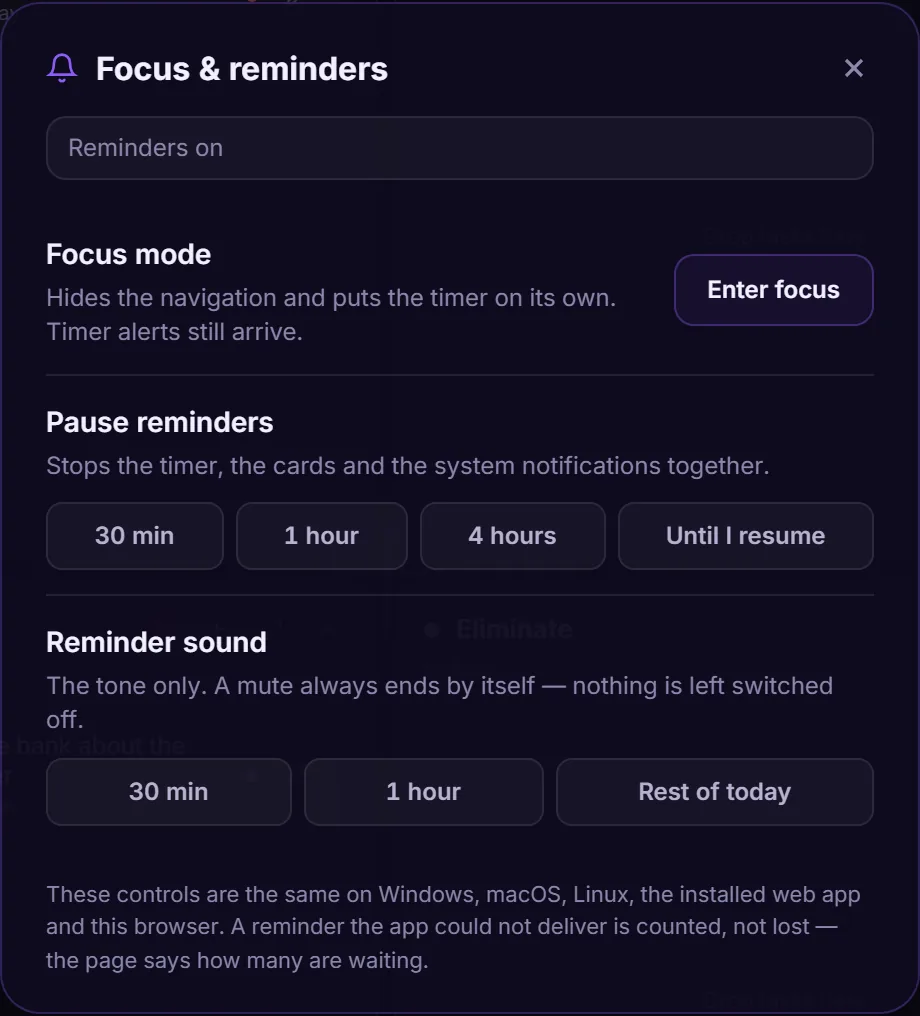
A pause stops the timer, the cards and the system notifications together, and restarts only a timer it stopped. A mute changes the sound only — cards still arrive — and expires by itself, even after a restart. Focus mode hides the navigation and leaves every reminder running, because a focus session is exactly when the completion alert matters.
Does the web app count my visit?
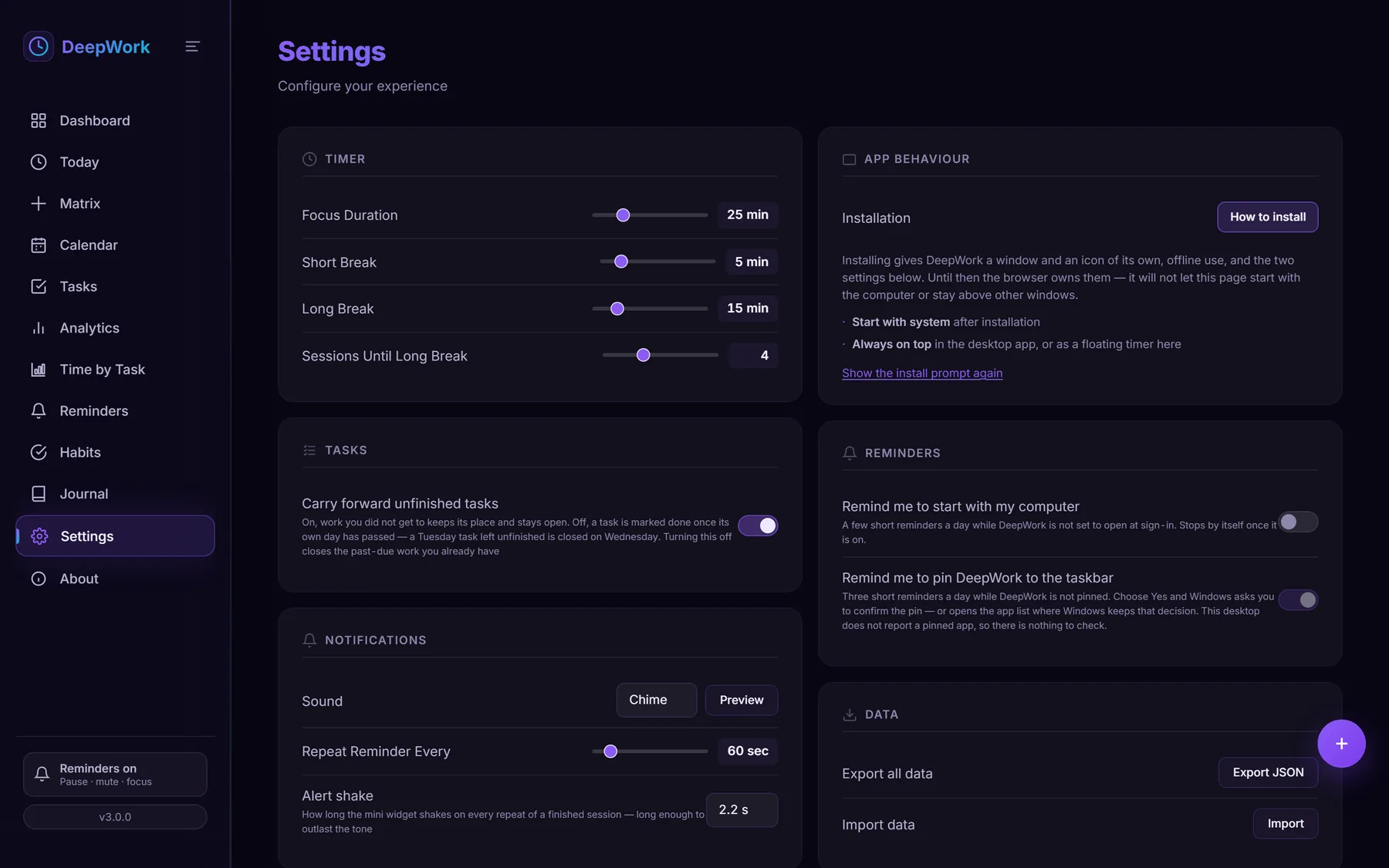
The hosted browser build counts visits with GoatCounter, so “is anybody using this?” has an answer without DeepWork running a server. It sends the page — path, title, referrer, screen width, language and time zone — never a task, a journal entry or an identifier, and GoatCounter stores no IP address for it. Count my visits is a switch in Settings, and with it off the script is never fetched. The desktop build is never counted.
What happens if my database is damaged?
A database that is present but unreadable stops startup with a card naming the file and the reason, instead of being replaced by an empty one that looks the same. Every launch also copies the database and its write-ahead log into a backups folder beside it before migrations run, and those copies are kept rather than rotated.
Does DeepWork use AI?
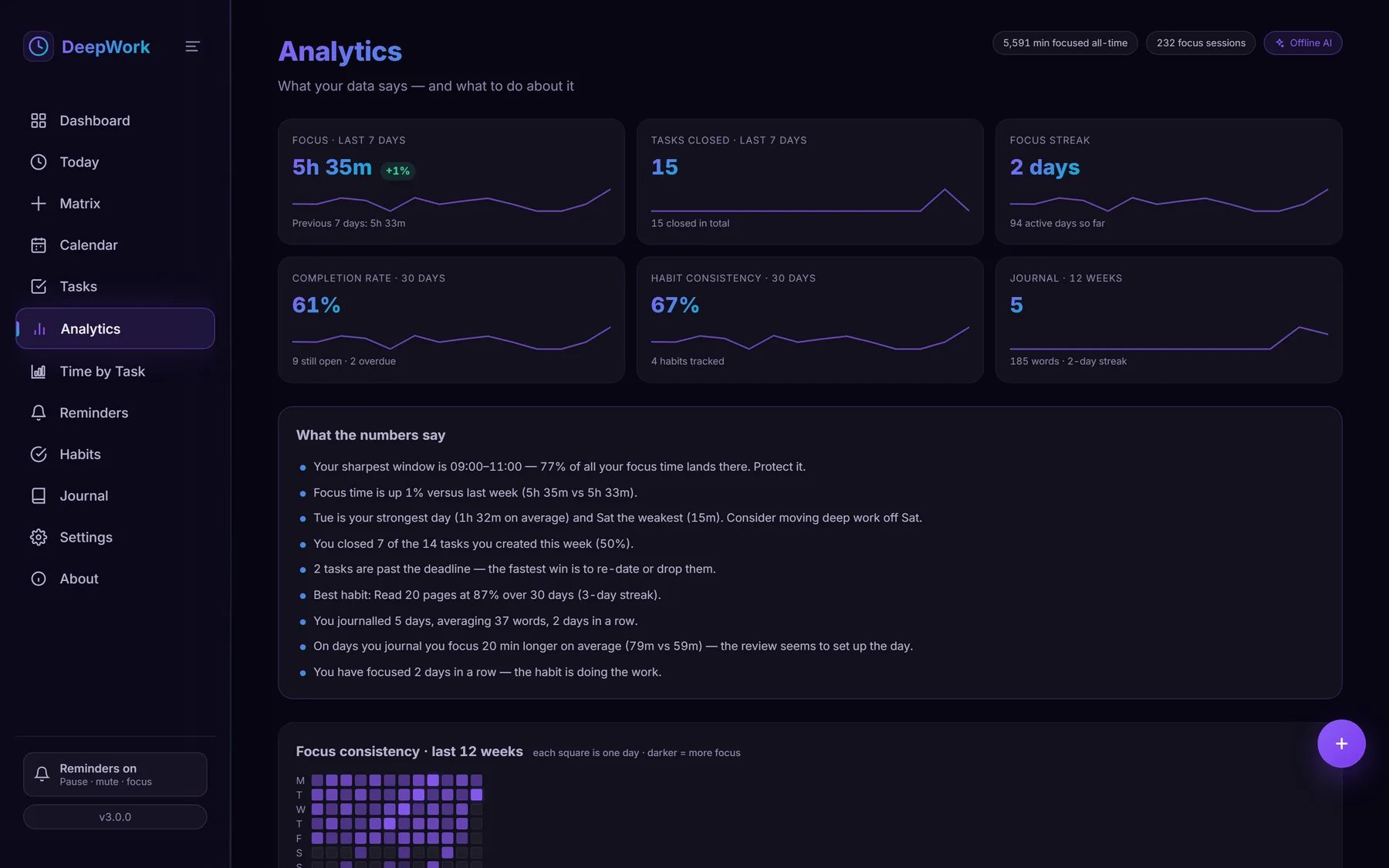
Yes — an offline one. DeepWork’s AI reads the sessions, tasks, habits and journal entries you already have, turns them into plain-language analysis, and shows you where your day is going, what is working and what to aim for next — so you can set a target and stay ahead of it. It runs on your own machine, from your own data: nothing is uploaded, there is no account and there is no cloud model to trust.